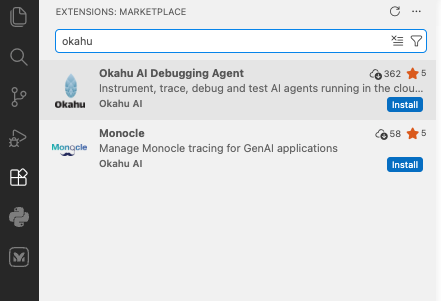
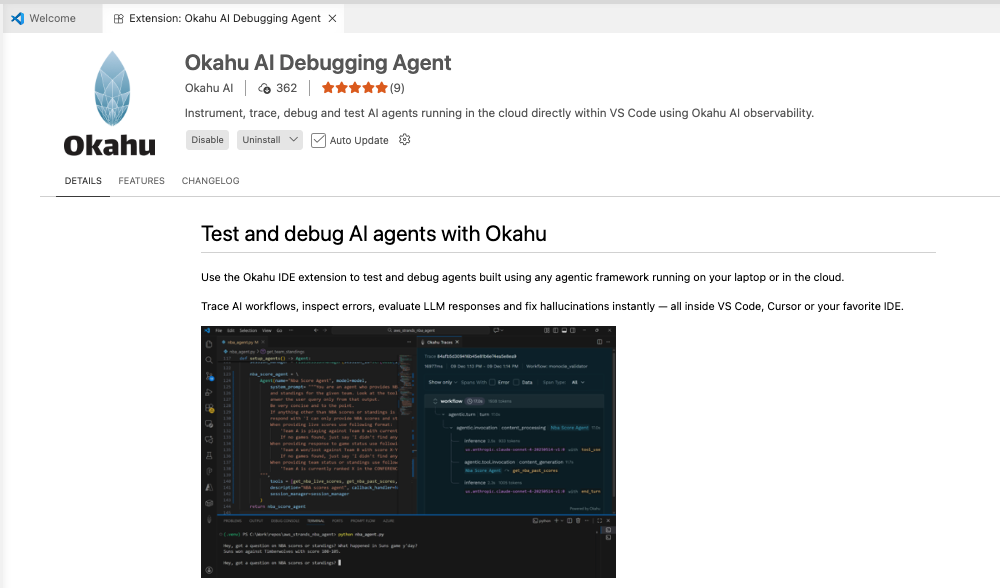
Install the Okahu Extension¶ Open VS Code Extensions¶ Open VS Code Click the Extensions icon in the Activity Bar on the left (or press Ctrl+Shift+X) Search for "Okahu AI Debugging Agent" Click Install on the extension by Okahu AI Debugging Agent Was this page helpful? Thanks for your feedback! Thanks for your feedback! Help us improve by contacting us.