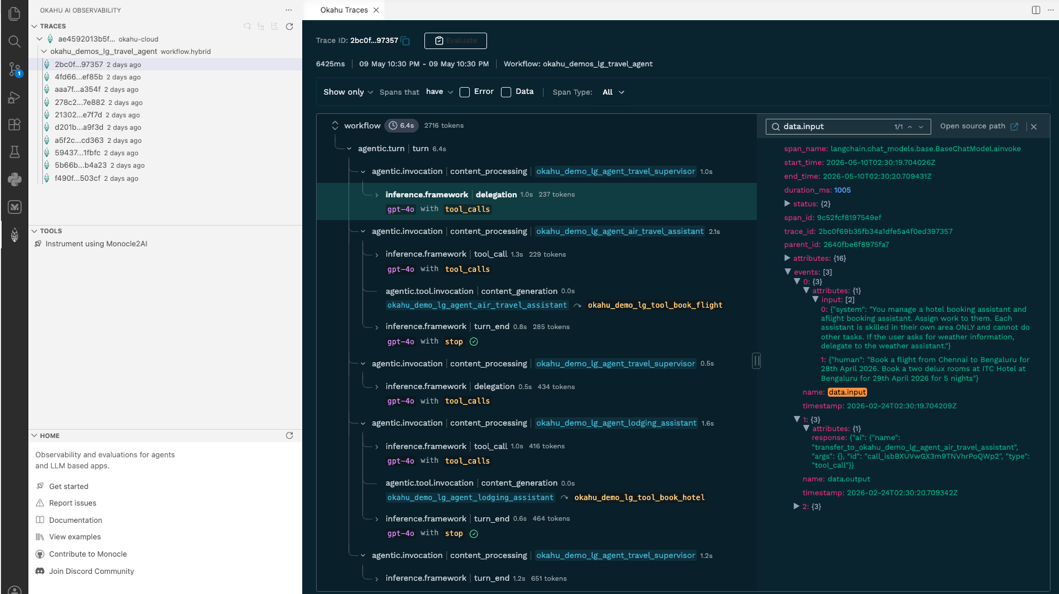
Connect To Okahu Account
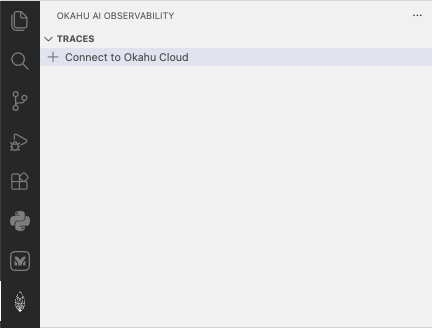
Open the Okahu sidebar
Click the new Okahu icon that appears in the Activity Bar.

Connect to Okahu Cloud
Click Connect To Okahu Cloud.
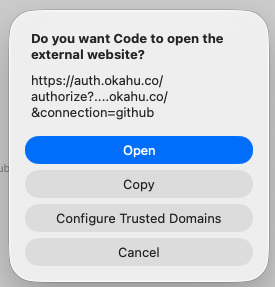
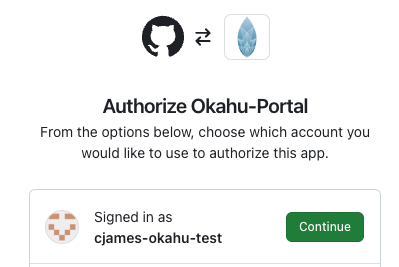
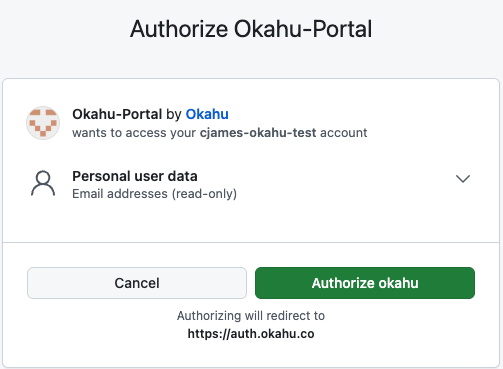
Authenticate with GitHub
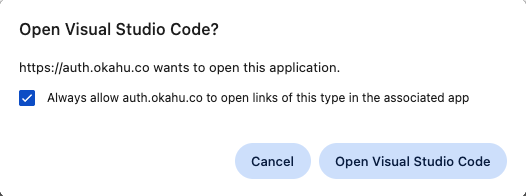
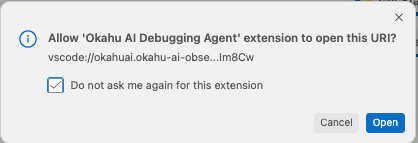
Follow the prompts to use your GitHub ID to automatically provision a free Okahu Personal Cloud account.
View example traces
After provisioning, the extension will sync with your new Okahu Cloud platform account and you will be able to see traces from Example applications.