Instrument with Monocle2AI
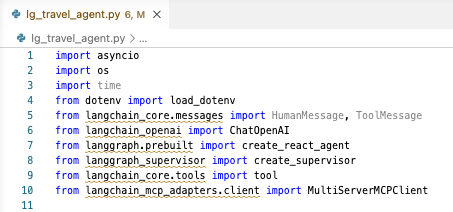
Open the agent file
- Select the Explorer view sidebar option
- Open the main entry point of the agent (e.g.,
lg_travel_agent.py)
Add instrumentation
- Select the Okahu sidebar option
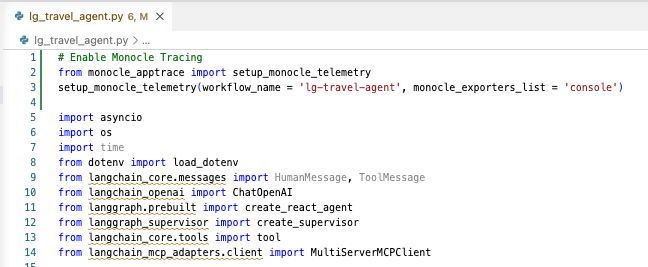
- Select the Instrument using Monocle2AI Tool

The tool will add the Monocle2AI instrumentation commands to the agent code.
Note
If the Monocle2AI instrumentation commands are already present in the agent code, you will receive a message.

Send traces to Okahu Cloud
To send the traces to the Okahu Cloud platform, you need to update the monocle_exporters_list to "okahu" and Save the file.
